

Top AR Platforms & Headsets for Operational Use Cases (2026)
Once augmented reality (AR) leaves the training environment it is not about flashy demos or engaging immersive design. For most organizations, it is a practical tool to reduce errors and standardize execution across sites. Augmented Reality can play a role in your organizations digital transformation and innovation portfolio, and it starts with understanding the current state of the technology and available hardware.
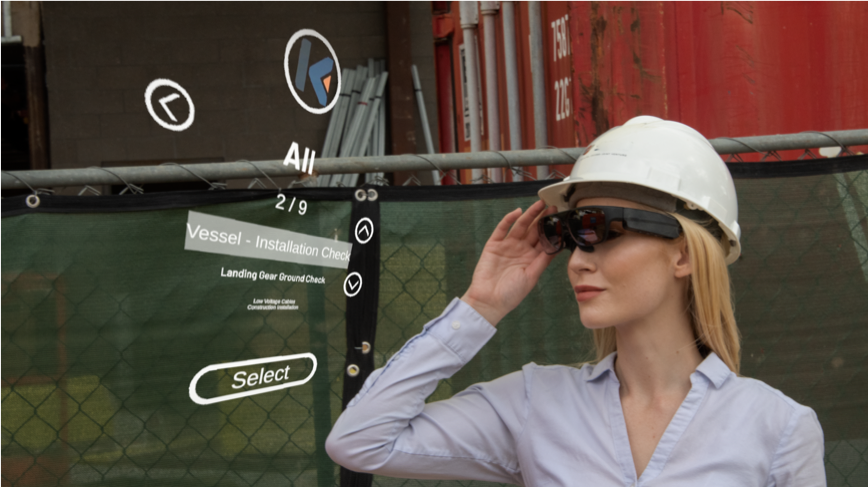
RIP to the RDGs - the original AR platform tackling the needs of industrial settings
This guide details top operational use cases for AR, defines the terms that matter (HUD, passthrough, optical vs video see-through), then maps device categories and specific headsets to common scenarios.
If your innovation team isn’t sure where to start when it comes to implementing AR in an industrial or operational setting in a way that delivers real results, make sure you have the right platform for your needs.
Where operational AR is most fundable (high-ROI starting points)
If you are building an innovation portfolio for industrial use cases, prioritize workflows with clear cost-of-failure and measurable outcomes:
High-cost errors and rework: assembly, maintenance, installation QA, compliance documentation creation and updates
High turnover roles / long ramp times: onboarding and recurring training burden
High downtime assets: where minutes matter and expert availability is constrained
Compliance-heavy procedures: where missed steps create safety or regulatory exposure
Operational use cases where AR consistently wins
Guided work instructions (digital SOPs): Step-by-step procedures with checklists, photos, and confirmations. When done well, guided AR reduces rework by preventing missed steps and catching issues earlier.
Remote expert support (see-what-I-see): A frontline team member streams their view to an expert who can guide, annotate, and document.
Inspection and QA: Standardized checklists, photo/video capture, and traceable sign-offs.
Pick/pack and kitting: Glanceable prompts, location guidance, and barcode-driven confirmation.
Safety and compliance: Contextual prompts, lockout/tagout reminders, and required acknowledgements. If safety is a gating factor in your buying process, see 5 Safety Features to Look for When Buying Industrial AR/VR Software: https://www.dauntlessxr.com/news/safety-features-for-industrial-ar-vr-software)
On-the-job training: Task coaching in the environment where the work happens. Immersive training can materially compress time-to-competency; PwC reported VR learners completed training up to 4x faster than classroom learners in its VR soft skills training study.
Data overlays: Asset status, work order context, and sensor readings surfaced at the point of use.
Definitions
Relevant lingo to know before procuring hardware or software to meet your organizations needs:
Augmented Reality (AR): Digital information presented in the user’s real environment to support a task.
Mixed Reality (MR): AR with spatial understanding and anchoring, enabling 3D content to “sit” in the environment and be interacted with. This is often used interchangeably with AR, so it’s important to ask clarifying questions about how an experience interacts with the physical environment if a software or hardware provider describes their product with AR or MR.
Heads-Up Display (HUD): Information shown in the user’s line of sight. In operations, HUD usually means minimal, glanceable UI (prompts, confirmations, scan results), not full 3D scenes.
Optical see-through (OST): You look through a transparent display and see the real world directly, with digital content overlaid.
Video see-through (VST): Cameras capture the real world and the device renders it on displays, then blends digital content on top.
Passthrough: A common VST approach where cameras provide a live view of the real world for MR/AR on headsets that are otherwise “VR-class.”
Monocular vs binocular: One-eye display vs two-eye display. Monocular can be lighter and more “HUD-like.” Binocular can support richer visuals but may increase weight and fatigue.
Field of view (FOV): How much content can be shown at once. For HUD-style work, a smaller FOV can be fine; for spatial tasks, FOV becomes a limiting factor.
Hands-free vs handheld AR: Wearables keep hands on tools; handheld devices (tablets/phones) are often faster to deploy but add friction during tool-heavy work.
How to choose AR hardware for operations (innovation + scale criteria)
A “best headset” list is less useful than a selection checklist you can apply across use cases. In operational deployments, the below criteria typically decide success. For each category, consider and document your organizations’ reality and requirements:
Environment: Indoor/outdoor, glare, low light, dust/water, temperature extremes.
PPE compatibility: Hard hats, safety glasses, hearing protection, respirators, gloves.
Task profile: Glanceable prompts vs long procedures vs spatial 3D alignment.
Input method: Voice, buttons, touch, gestures, controllers.
Battery and shift coverage: Can it last a shift? Is hot-swap possible? What is the charging workflow?
Comfort and ergonomics: Neck fatigue, heat, fit for different users, quick don/doff.
Camera quality: Critical for remote assist, documentation, and quality workflows.
Connectivity: Wi‑Fi reliability, LTE/5G options, offline mode.
Device management: Provisioning, updates, kiosk mode, MDM support, auditability.
Security/compliance: Identity, data retention, encryption, and customer/government requirements.
Integrations: CMMS/EAM, ERP, LMS, ticketing, digital forms, and content authoring pipelines.
Total cost of ownership (TCO): device + accessories + spares + warranty + support model.
Content operations: who authors procedures, who approves changes, and how versions are governed.
Measurement plan: baseline metrics, target outcomes, and how you will measure before/after.
Industrial AR Platform categories (and when each is the right answer)
Handheld AR (tablets/phones)
Best for: Pilots, field documentation, inspections, and supervisor workflows.
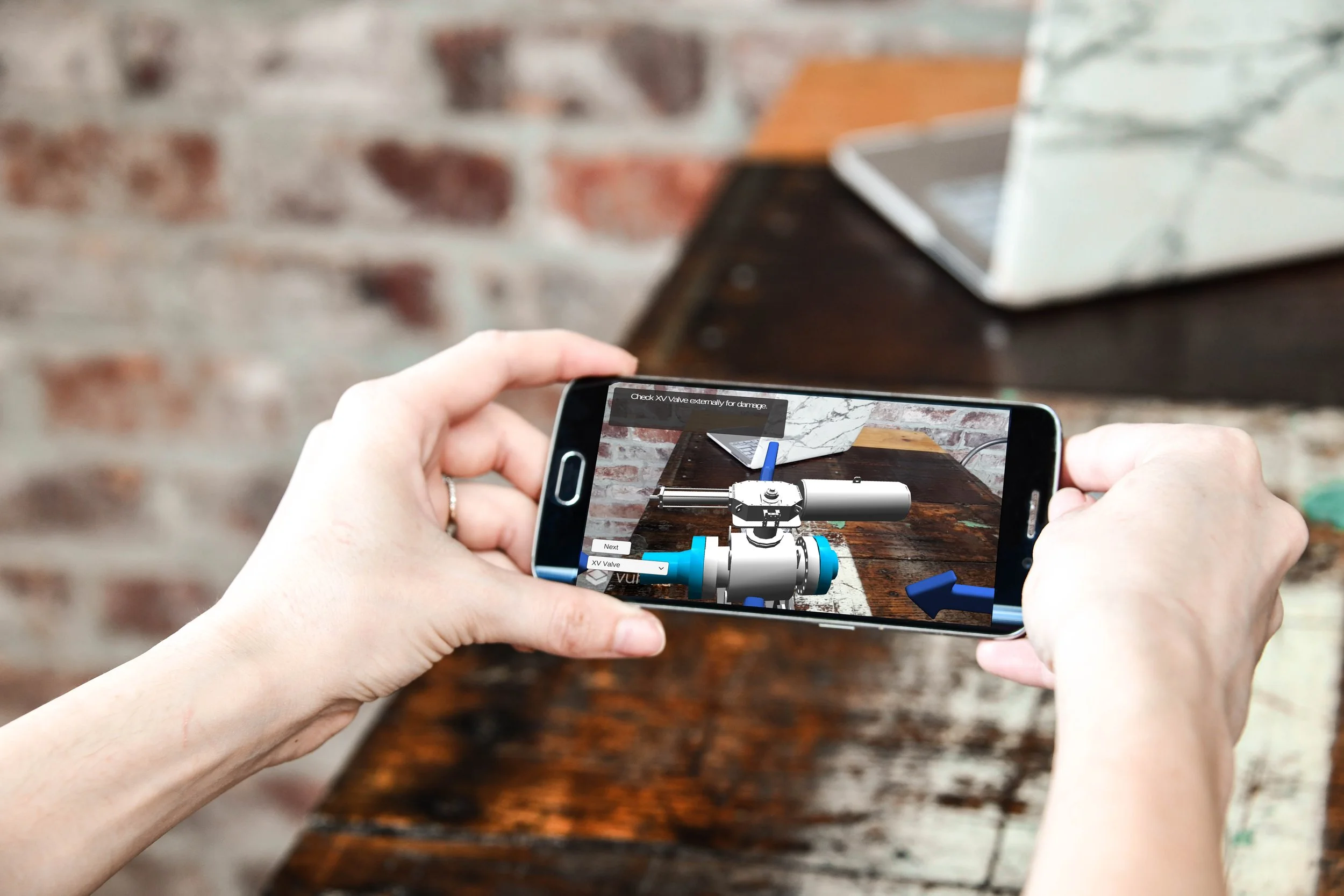
Katana XR on Andriod
Why it works: Tablets and phones are familiar, easy to procure, and easy to manage. They are often the fastest path to a measurable pilot.
Constraints: Not hands-free, higher drop risk, outdoor glare, and tool-heavy work becomes awkward.
You absolutely can gain some of the benefits of AR and VR from mobile devices your teams already use. Save the investment into headsets for when you have clearly defined use cases that deliver measurable value for your employees and customers.
Smart glasses / HUD wearables (lightweight, glanceable)
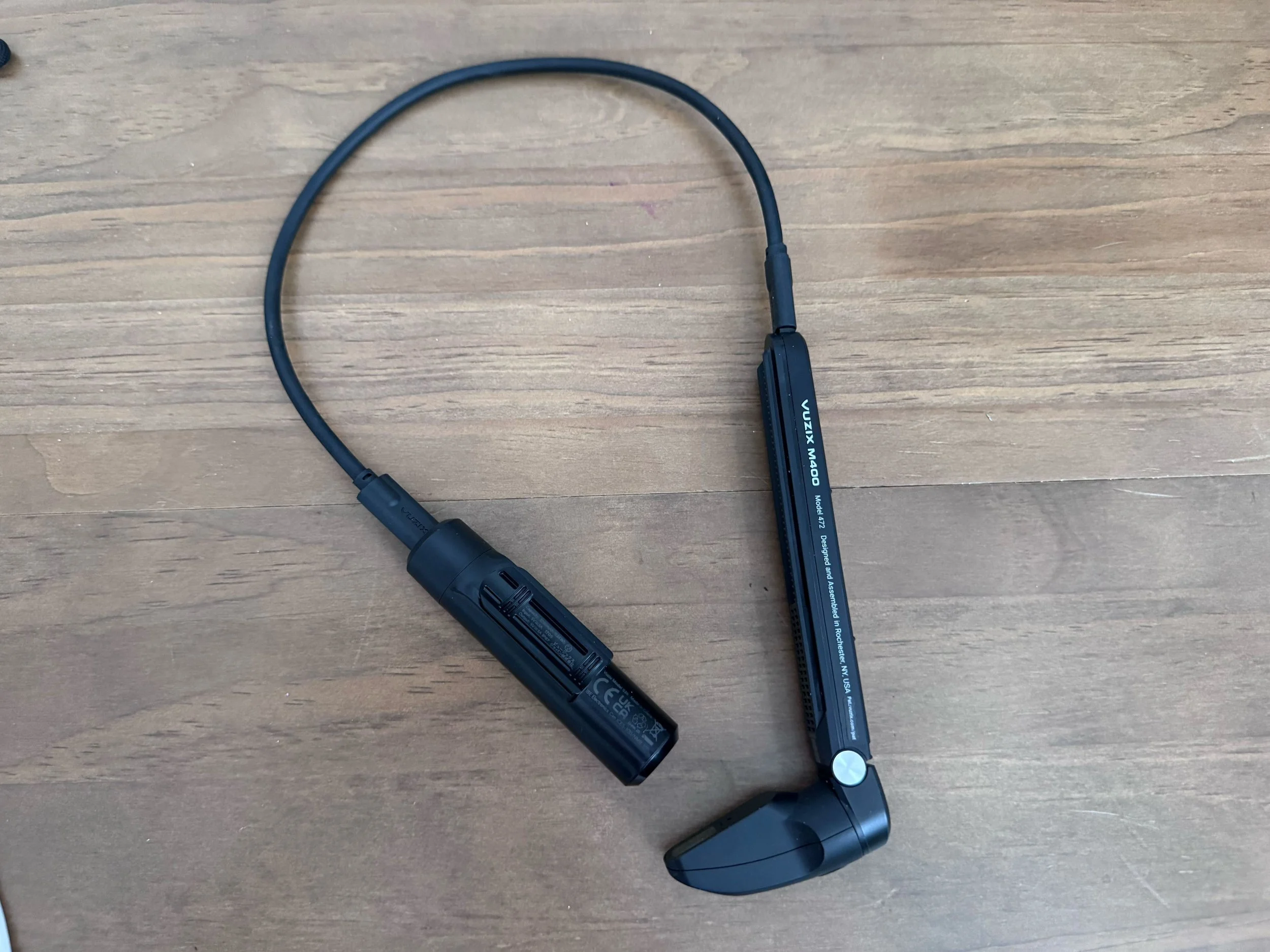
Best for: Pick/pack, checklists, inspections, barcode-driven workflows, and remote assist where the UI can stay minimal.
Why it works: HUD-style devices reduce context switching. Frontline teams can keep eyes up and hands on task.
Constraints: Limited FOV, limited 3D capability, and UI must be designed for “glance” rather than “browse.”
Mixed Reality headsets with passthrough
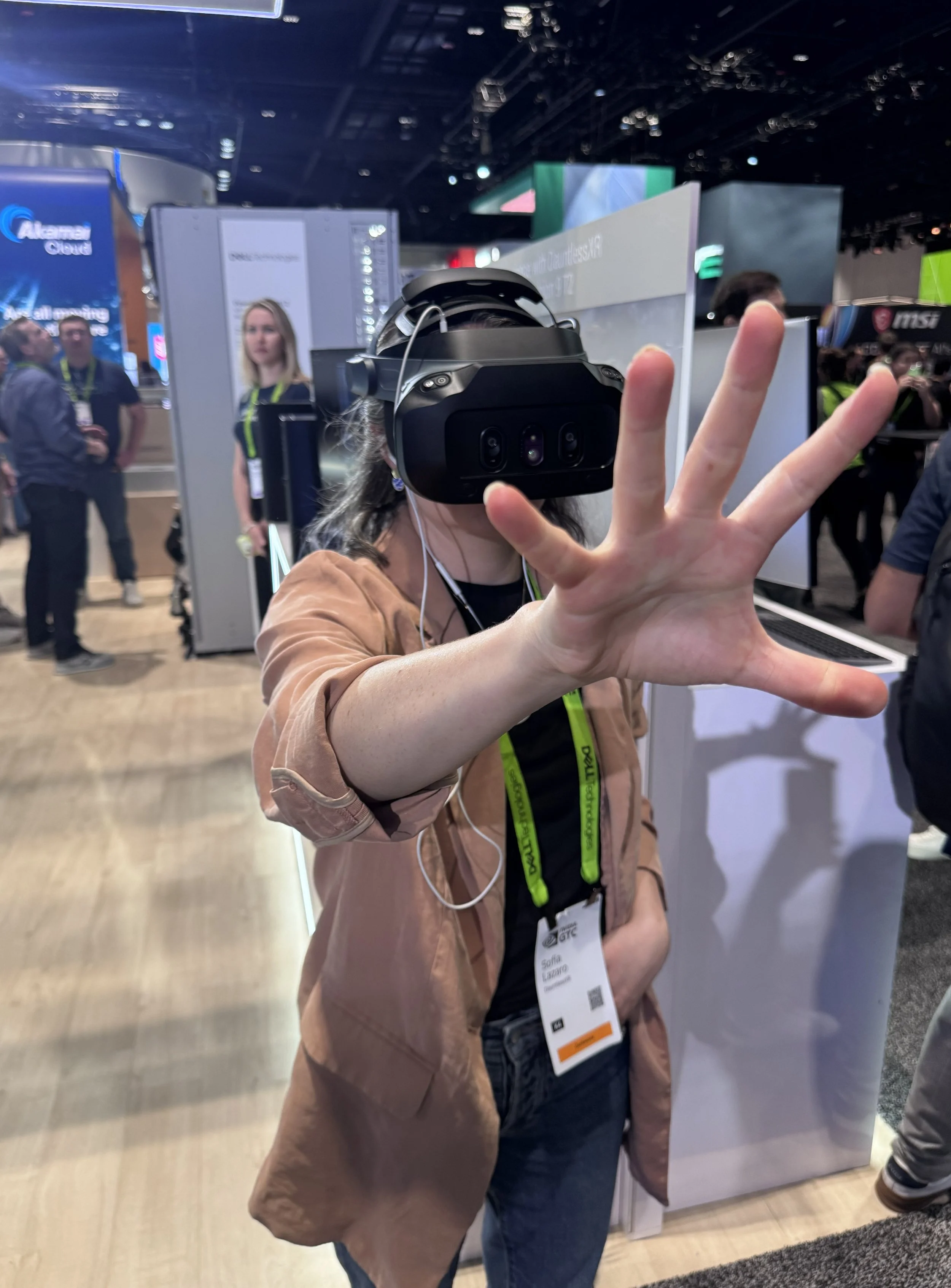
Best for: Spatial workflows, complex visualization, multiuser collaboration, and advanced training.
Why it works: Passthrough MR can support richer interaction models and higher-fidelity visualization.
Constraints: Weight, battery, cost, safety acceptance, and the practical limits of camera-based vision in certain lighting conditions. (For a Quest-focused aviation landscape example, see: The Ultimate Guide to Mixed Reality Tech for Student Pilots: https://www.dauntlessxr.com/news/the-ultimate-guide-to-mixed-reality-tech-for-student-pilots)
Headsets and devices to consider (what they are best for)
Mobile AR Capable Devices (Andriod, iPad, iPhone)
Best for: Quick deployment, training, documentation, inspections, and supervisor enablement.
Katana XR on Andriod
Why it is operationally strong:
Familiar form factor and low training overhead
Strong accessory ecosystem (rugged cases, mounts)
Straightforward procurement and device management in many organizations
What to validate:
Hands-free requirement: If the workflow is tool-heavy, handheld becomes a bottleneck.
Lighting and glare: Outdoor and high-glare environments can degrade usability.
Depth needs: If you need robust spatial anchoring, LiDAR-capable models can help, but the workflow design still matters.
Vuzix: lightweight HUD-style smart glasses
Best for: Glanceable prompts, barcode-driven workflows, and remote assist where the UI stays minimal.
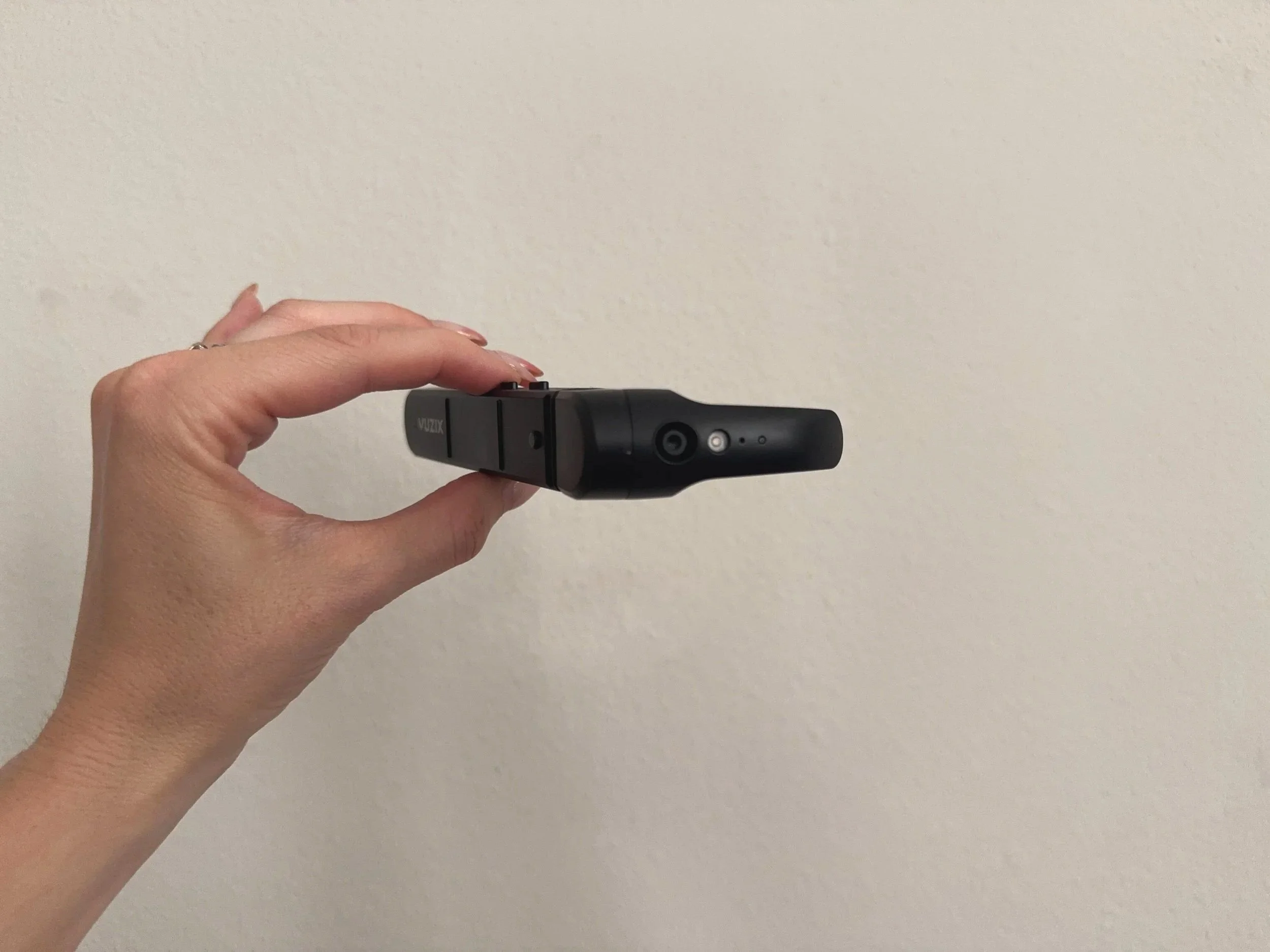
Why it fits operations:
HUD-style delivery supports “eyes up” work
Works well when the content is text-first and confirmation-driven
What to validate:
FOV and UI constraints: Design must be intentionally minimal.
Comfort and fit: Extended wear and PPE compatibility are deployment-critical.
RealWear
Best for: Hands-free guided procedures, remote expert support, and compliance-heavy workflows in industrial environments.
Why it fits operations:
Designed for harsh environments and long wear
Voice-first interaction aligns with gloved, tool-heavy tasks
What to validate:
Noise profile: Confirm voice performance in your real acoustic environment.
Content design: Procedures must be authored for voice navigation and short prompts.
Additional options worth considering (depending on your workflow)
Meta Quest 3 / Quest Pro (passthrough MR)
Strong developer ecosystem and compelling passthrough MR for pilots, training, and certain visualization workflows. Validate safety acceptance, device management, and whether passthrough quality meets your operational needs.
Apple Vision Pro
High-fidelity passthrough MR that is driving early enterprise experimentation. Validate comfort for extended sessions, cost, and enterprise management posture for your environment.
Epson Moverio
Can be relevant for assisted viewing and certain light industrial scenarios, particularly where a lightweight display is the primary requirement.
Zebra / Honeywell mobile computers
If your workflow is primarily scanning + prompts, purpose-built mobile computers can outperform “AR-first” devices on reliability and throughput.
Business case anchors: quality and time-to-competency
Two outcomes tend to resonate most with innovation and operations leadership because they translate directly into cost and throughput:
Fewer errors (quality): AR-guided procedures reduce missed steps, improve first-time quality, and cut rework. Boeing’s smart-glasses-guided assembly work is widely cited as an example of AR improving quality while also improving throughput.
Faster training (time-to-competency): Immersive training can shorten ramp time and reduce the burden on experienced staff. PwC reported VR learners completed training up to 4x faster than classroom learners. (Additional training perspective: https://www.dauntlessxr.com/news/virtual-reality-for-pilot-training)
How to get from AR pilot to scaled Rollout
If your goal is a repeatable playbook, a phased approach usually wins:
Phase 1 — Validate value quickly (2–6 weeks): Start with one workflow, one site, one metric. Handheld devices like mobile phones and tablets often reduce friction for early pilots.
Phase 2 — Go hands-free where it matters: Move to smart glasses or rugged wearables for tool-heavy steps, compliance, and long procedures.
Phase 3 — Scale with governance + integration: Standardize content operations (authoring, approvals, versioning), integrate with systems of record (CMMS/EAM/LMS), and formalize device management and support.
Best Practices for AR Program Implementation (what makes programs succeed)
Start with one workflow, one site, one metric: Time-to-complete, error rate, rework reduction, or training time reduction.
Design for minimal UI: Operational AR wins when it reduces cognitive load, not when it adds screens.
Plan content authoring and governance: Versioning, approvals, and change control matter as much as hardware.
Do not skip device management: Provisioning, updates, and support workflows determine whether you can scale beyond a pilot.
Integrate early: If the AR experience cannot connect to or integrate with your work orders, checklists, or your system of record, adoption will stall.
(If you want a safety-focused implementation checklist to complement these notes, see: https://www.dauntlessxr.com/news/safety-features-for-industrial-ar-vr-software)
match the device to the workflow, then scale the playbook
The right AR platform is the one that fits your environment, PPE constraints, and task profile. For many innovation teams, the best path is to pilot quickly with handheld devices, then move to hands-free wearables where the workflow demands it—while building the governance and measurement plan needed to scale.
Whether you have more questions, or you are ready to jump into designing your first pilot project we’re here to help. Book a free strategy call with our team now.
