

The Ultimate Guide to Mixed Reality Tech for Student Pilots
Why Getting Your Pilot’s License is So Hard (and How to Beat the Odds)
Earning your Private Pilot License (PPL) is a huge achievement that requires a significant investment. Less than 1% of people in the US hold a PPL and 80% of would-be pilots drop out mid-training.
And before you blame the FAA, it’s not that the check ride is impossible to pass: FAA reports show the pass rate for those that make it to the private pilot check ride hovers around 74–79%, only around 1 in 4 students fail on their first attempt.
So what causes so many aspiring pilots to drop out before making it to the check ride? They hit a wall: they want to practice more, but traditional training is expensive and time-consuming. What if you could get ahead, build real confidence, and save money by training smarter? The answer: leverage the latest immersive technology, so you can practice anytime, anywhere, and show up for lessons ready to fly.
The Challenges of Traditional Training
Cockpit posters and paper checklists are static and don’t simulate real action
At-home practice relies on imagination
Building muscle memory is tough without repetition
Real cockpit time is expensive and limited
This can slow your progress and make real flights more stressful.
What is Mixed Reality?
Mixed Reality (MR) blends the physical and digital worlds, letting you interact with digital objects, such as 3D cockpits, in your real space. Unlike VR, or virtual reality where you are fully immersed in a digital environment, or augmented reality where information is digitally overlaid, mixed reality allows you to manipulate virtual elements as if the real thing were right in front of you.
How Mixed Reality Tools Solve Aviation Challenges
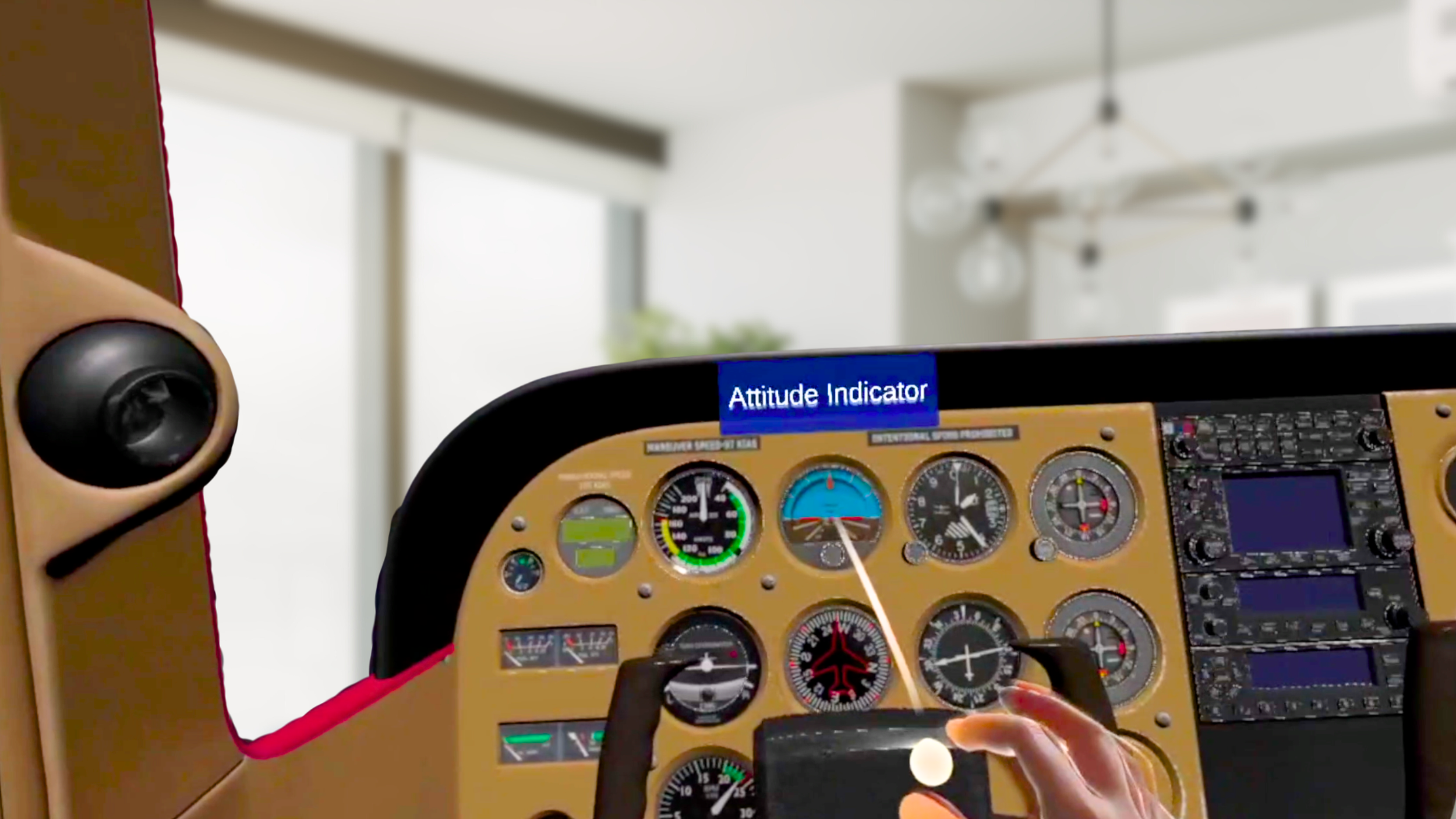
Immersive: Step into a 3D cockpit and interact with every control
Interactive: Practice flows and checklists with instant feedback the instruments
Repeatable: Drill procedures safely, as often as you want
Flexible: Practice on your own schedule, as much as you need
The Modern Student Pilot’s Toolkit: Beyond the Ground School Classroom
Today student pilots have access to a whole ecosystem of training tools that go beyond textbooks, posters, and instructor time. Here’s how you can supplement your learning and accelerate your progress:
Microsoft Flight Simulator (MSFS)
MSFS is a favorite for student pilots looking to practice navigation, radio calls, and maneuvers at home. With a realistic world and detailed aircraft, it’s ideal for:
Practicing VFR/IFR procedures and cross-country planning
Building situational awareness and confidence
Joining online communities for group flights and peer learning
X-Plane
Known for its accurate flight dynamics, X-Plane is widely used by flight schools and home pilots alike. Pair it with a joystick or VR headset for even more immersion.
Customize scenarios to focus on weak spots
Practice instrument approaches and emergency procedures
Flight Deck
Apps like Flight Deck let you step into a 3D cockpit, practice flows, and memorize check lists.
Build muscle memory for flows and emergencies
Training in to-scale digital twin
Repeat as often as you want without leaving your house
Mixed reality, so no sim sickness
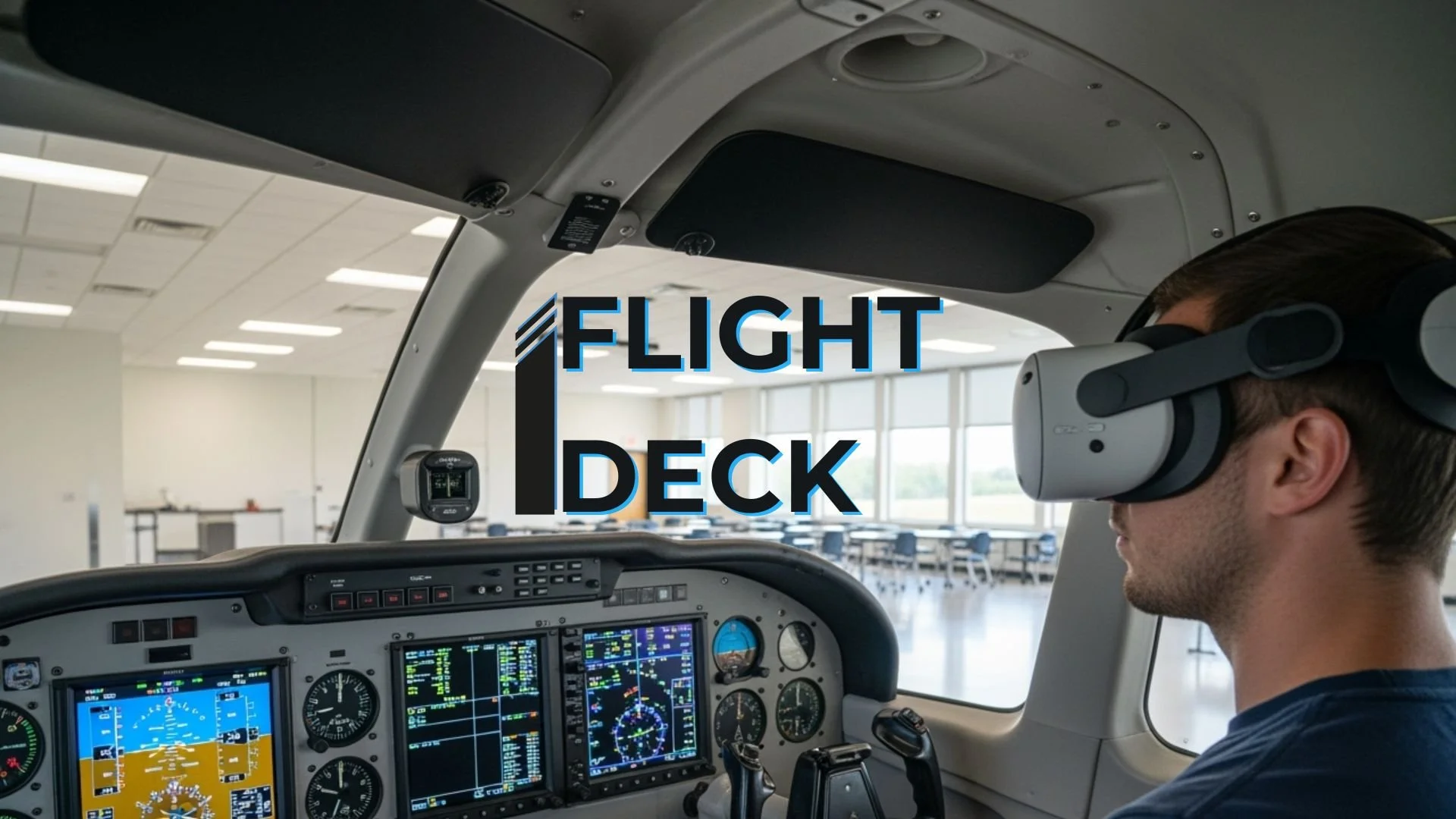
Available on common platforms like Meta Quest
Real Benefits for Student Pilots
Faster learning curve: Repetition and immersion speed up retention
Greater confidence: Practice reduces anxiety
Personalized training: Focus on your weak spots
Collaborative learning: Share feedback with peers
Cost savings: Arrive at lessons prepared, so you need fewer expensive flight hours
How to Get the Most from Mixed Reality Training
Share your mixed reality tools progress with your instructor
Supplement simulator and flight time with regular chair flying
Focus on transferring skills to real cockpit time
Next Steps: Your MR and Sim Training Journey
Try Flight Deck for cockpit familiarization: Learn more
Practice navigation and maneuvers in MSFS or X-Plane: Microsoft Flight Simulator
Visit the Dauntless XR website to download apps, request a free trial, or watch demo videos
Connect with your instructor to integrate mixed reality into your training
Start practicing! The sooner you immerse yourself, the faster you’ll progress
Frequently Asked Questions
Q: Are these tools realistic enough to replace real cockpit time?
A: They’re supplements, not replacements. They build muscle memory, reduce anxiety, and save time and money in the real cockpit.
Q: What equipment do I need?
A: A compatible headset, such as the Quest 3 and a safe space to practice; a PC or laptop for desktop simulators.
Q: Are these tools suitable for all experience levels?
A: Absolutely, they’re designed for student pilots through to experienced aviators.
