Best Meta Quest Apps for Student Pilots in 2026
Learning to fly is a serious commitment of time, money, and mental bandwidth. The FAA requires at least 40 hours of flight time for a private pilot certificate, but notes the U.S. average is ~75 hours for most applicants (FAA).
On top of that, many flight schools estimate a Private Pilot License (PPL) often lands in the $8,000–$15,000 range depending on pace, aircraft, and location (Leopard Aviation). And attrition is real: multiple aviation training sources commonly cite student pilot dropout rates near 80% (Pilot Institute, Boldmethod).
Students pilots need every edge they can get. VR/AR won’t replace a CFI or real aircraft time (and it’s not loggable), but it can help you get more sets and reps between lessons. The more flows, cockpit interaction, scan discipline, and confidence under workload, the better you perform at game time.
There aren’t a lot of AR/VR apps for pilots yet, but out of the ones available, we split them into two categories:
Skill-building: apps you can use like structured chair-flying for procedures, flows, scan, study, etc.
Just-for-fun: apps that keep you excited about flying and can still build comfort in VR.
Skill-building apps
Flight Deck
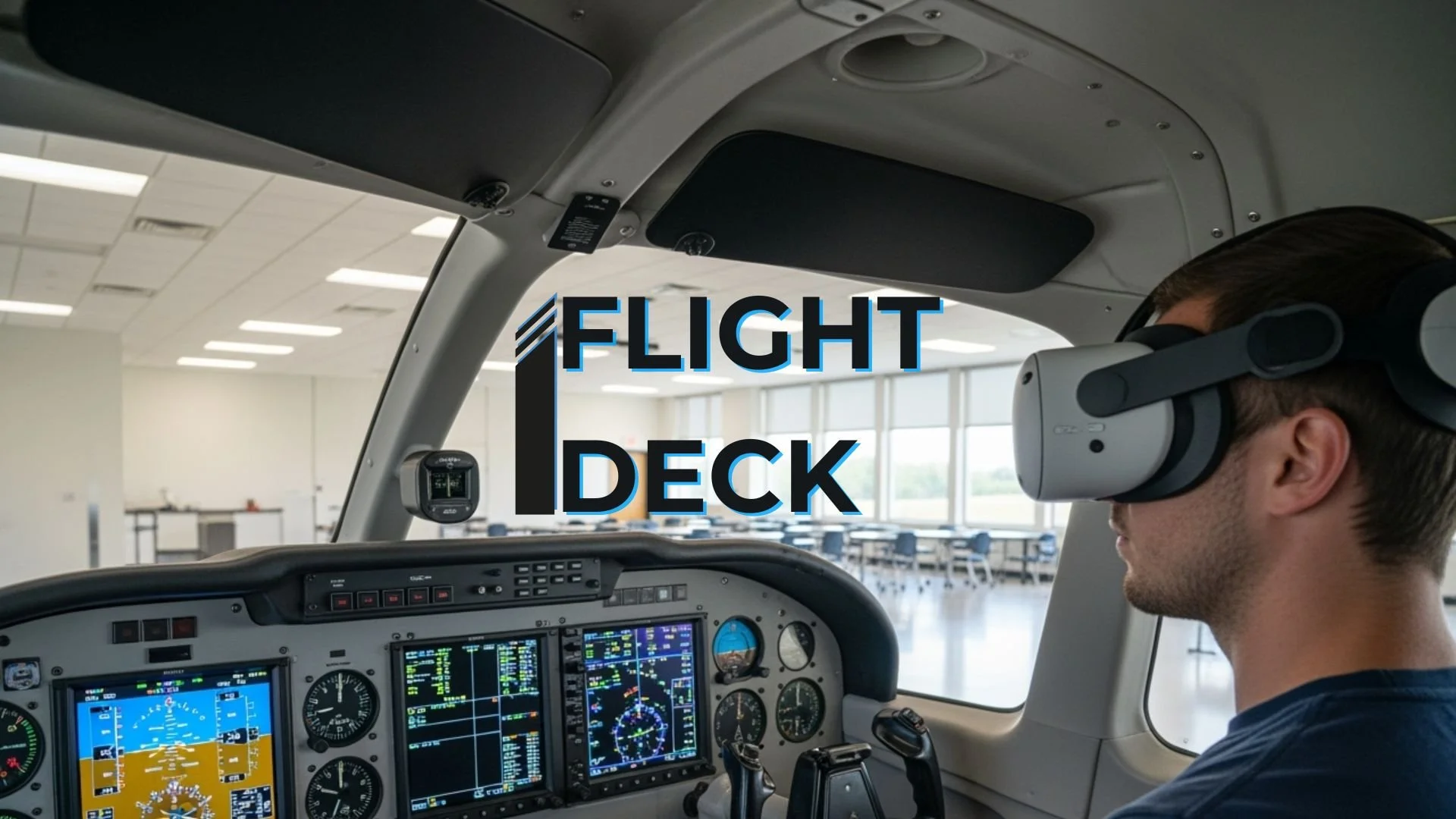
goal-focused training support
Best for: replacing your cockpit poster for familiarization and procedure reps in between classroom and flight sessions.
Flight Deck is built around deliberate practice—pick a scenario, run the rep, and focus on staying ahead of the airplane. It’s most useful when you treat it like a workout: one objective per session (flows, callouts, scan discipline), then a quick debrief.
Use it well: keep your real checklist/POH next to you to refer to in mixed reality mode and match your CFI’s technique.
Katana XR

Best for: guided procedures and standardization (especially for CFIs/flight schools).
Katana XR isn’t a flight sim—it’s a workflow trainer. Think “what comes next under workload.” It’s great for building sequence memory (checklists, emergency flows, SOPs) and reducing the mental tax of remembering steps.
Use it well: treat it like a procedures lab, not stick-and-rudder practice.
Flight Unlimited

Best for: a standalone “sim-style” experience without PCVR.
If you want something closer to a traditional flight sim on Quest, Flight Unlimited is the most direct option on this list. It can be a useful sandbox for basic instrument scan habits, navigation curiosity, and cockpit familiarity—as long as you don’t assume it matches your aircraft 1:1.
Use it well: validate any procedures with your POH/CFI and avoid locking in bad flows.
VirtualSpeech

Best for: speaking clearly under pressure.
Not aviation-specific, but surprisingly relevant: if nerves, “mic fear,” or confidence is a blocker, VirtualSpeech gives you structured speaking reps with feedback. Bring your own aviation scripts (briefings, passenger brief, mock checkride Q&A) and practice delivery.
Use it well: have a CFI validate phraseology if you’re rehearsing radio-style lines.
Bigscreen

Best for: turning study time into an engaging ritual.
Bigscreen is a giant-screen VR theater. It’s not a trainer, but it is a study multiplier: watch ground school content, re-run approach briefings, or do a group debrief with friends/classmates in a focused environment.
Use it well: pair it with a notebook and a “one takeaway per session” rule.
Just-for-fun apps (motivation + comfort)
Flying training is demanding, and motivation matters. These picks are here because they’re fun enough to keep you coming back—and that means more time in-headset, more comfort with VR motion, and more “time on task.”
Just keep the mental boundary clear: games can build familiarity and coordination, but they can also teach game habits. Enjoy them, then switch back to your real-world checklists and technique for training.
HoloATC — aviation immersion (motivation)
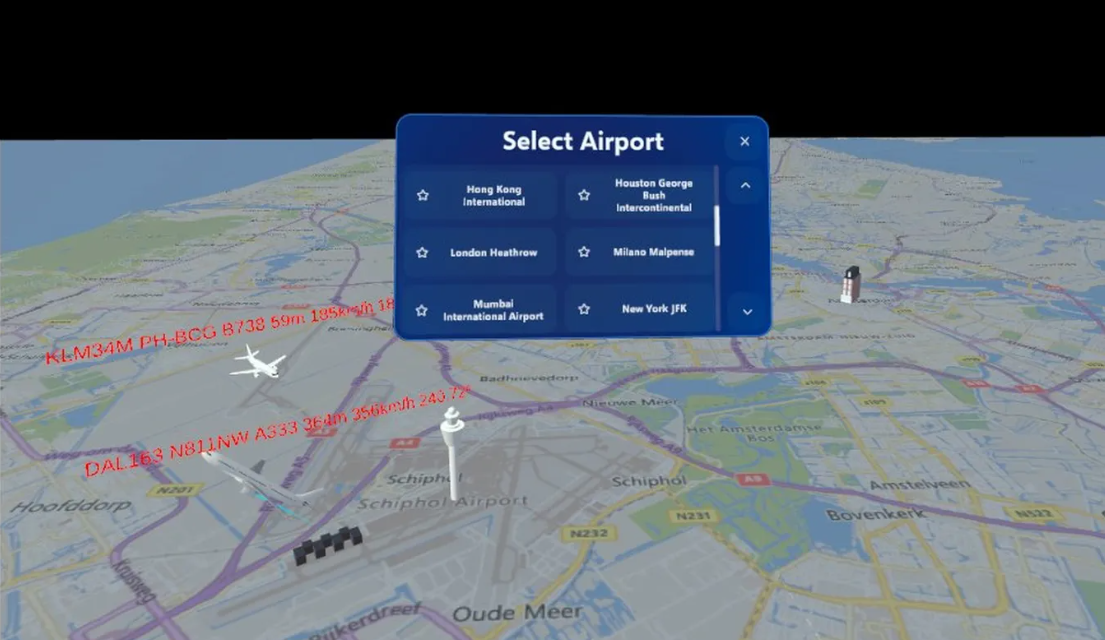
Why it’s fun: airport vibes, zero pressure.
HoloATC is the “hang out at the airport” app. Throw it on when you’re not in the mood to study but you still want to feel connected to aviation—watch traffic, soak in the rhythm, and keep flying top-of-mind.
Ultrawings 2

Why it’s fun: lots of missions + cockpit interaction in an open world.
This app might be right for you if you want an open-world flying game with lots of missions and cockpit interaction—something fun enough to keep you coming back for more reps.
Ultrawings
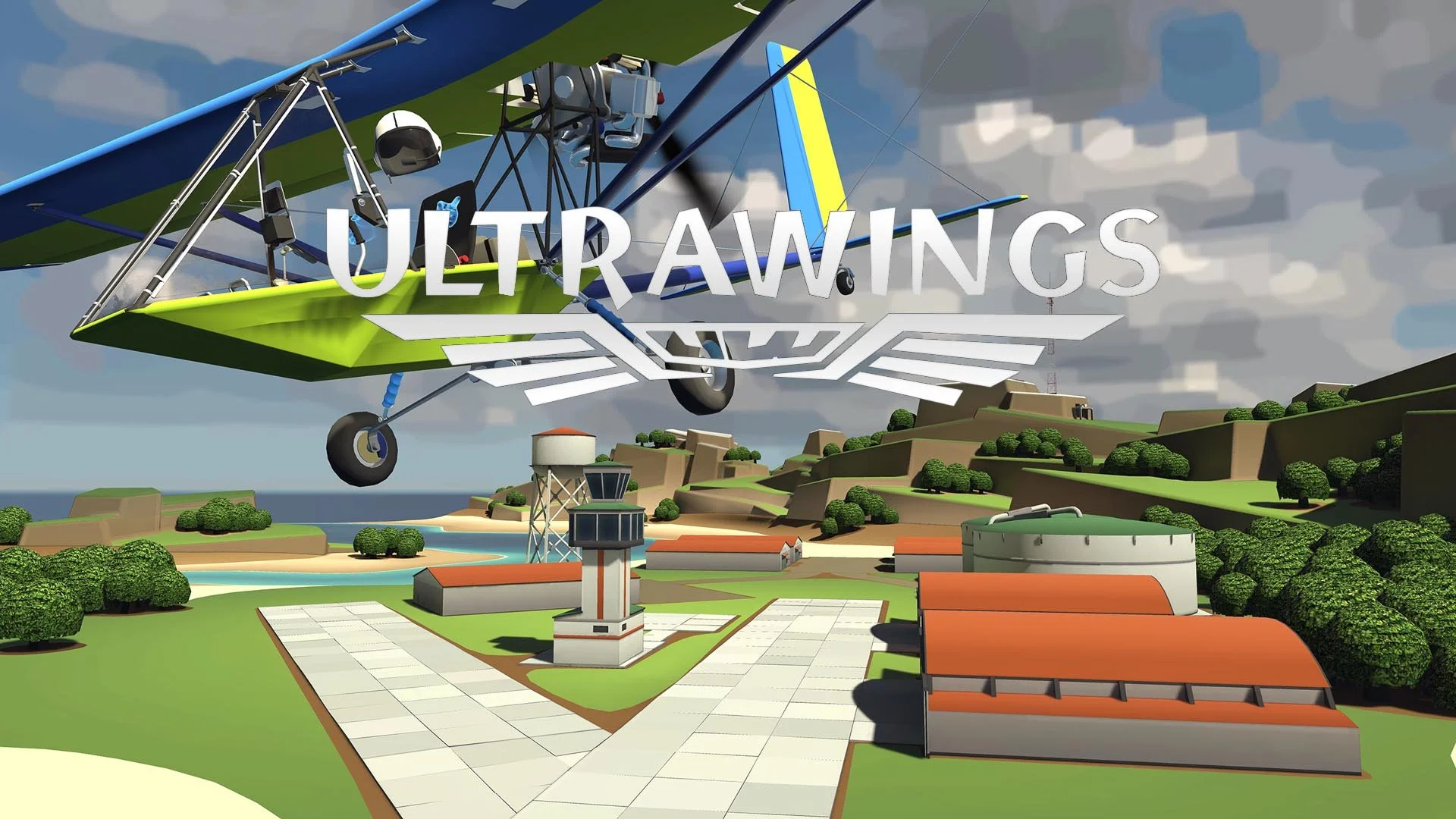
Why it’s fun: a cheaper, lighter version of the same loop.
If you want the Ultrawings vibe on a budget, the original still delivers: challenges, progression, and enough variety to keep you engaged.
Warplanes
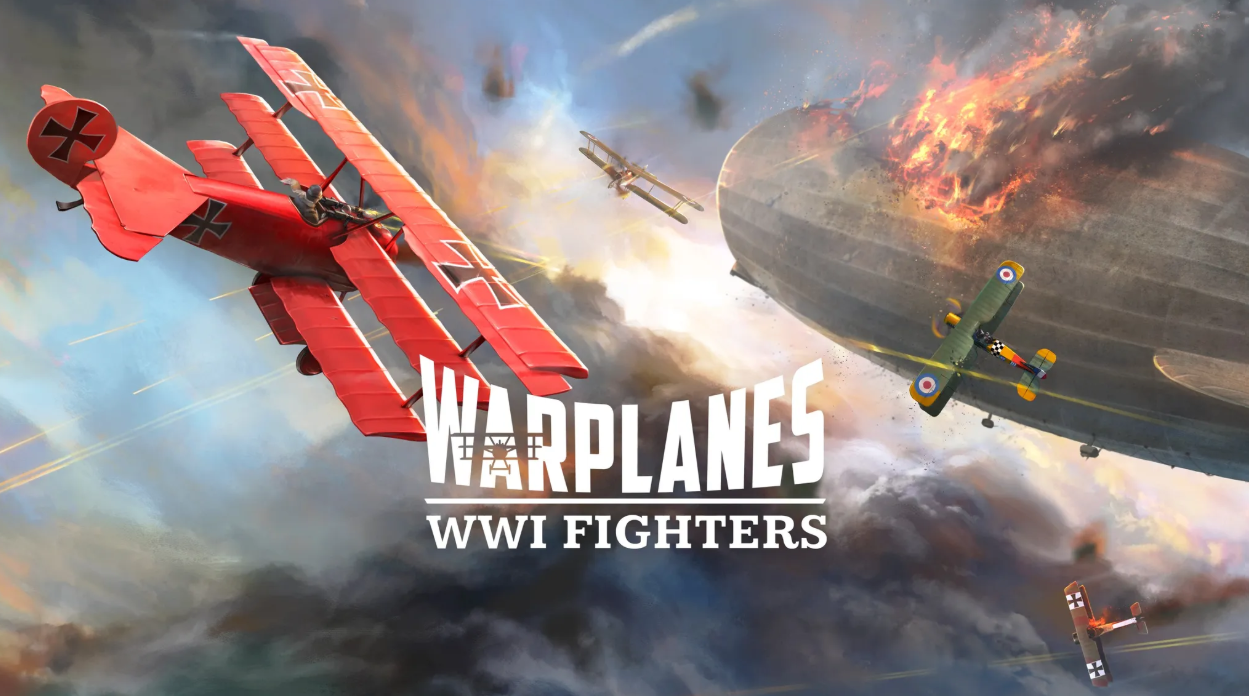
Why it’s fun: high-energy flying with constant decision-making.
This is pure entertainment—fast, intense, and great for practicing attention management in a dynamic environment.
Warplanes: Battles over Pacific

Why it’s fun: campaign-style WWII flying with a strong “one more mission” pull.
If you want a longer progression arc and a more cinematic feel, this one is built for that. It’s a motivation engine.
SimplePlanes VR
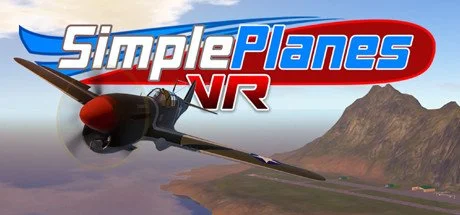
Why it’s fun: sandbox experimentation.
SimplePlanes VR is for tinkering—try weird aircraft, explore “what happens if…,” and mess around with aviation concepts in a low-stakes way.
How to use VR without building bad habits
· Use VR for reps and motivation, not “loggable realism.”
· Pair every session with a real checklist/POH and your CFI’s technique.
· Set one goal per session (example: stabilized approach gates, pattern callouts, or a single emergency flow).
· Do a 2-minute debrief: what went well, what changes next time.
FAQ
-
Most of the apps above are standalone on Quest. If you choose PCVR flight sims later, treat that as a separate setup decision (PC specs, controls, and realism settings matter).
-
They can help with habits that transfer (scan discipline, flows, comfort in the cockpit, workload management). They won’t perfectly replicate your exact aircraft’s performance or your school’s procedures, so always validate with your POH and CFI.
-
No. Use VR to compress the time it takes to build automaticity between lessons, not as a substitute for instruction.
-
Start with short sessions, use comfort settings, and stop early. Comfort improves with gradual exposure, don’t push through nausea. Mixed reality apps, like Flight Deck, where you can see your real world surrounds also help curb “sim sickness”.